
Create your logo easily!
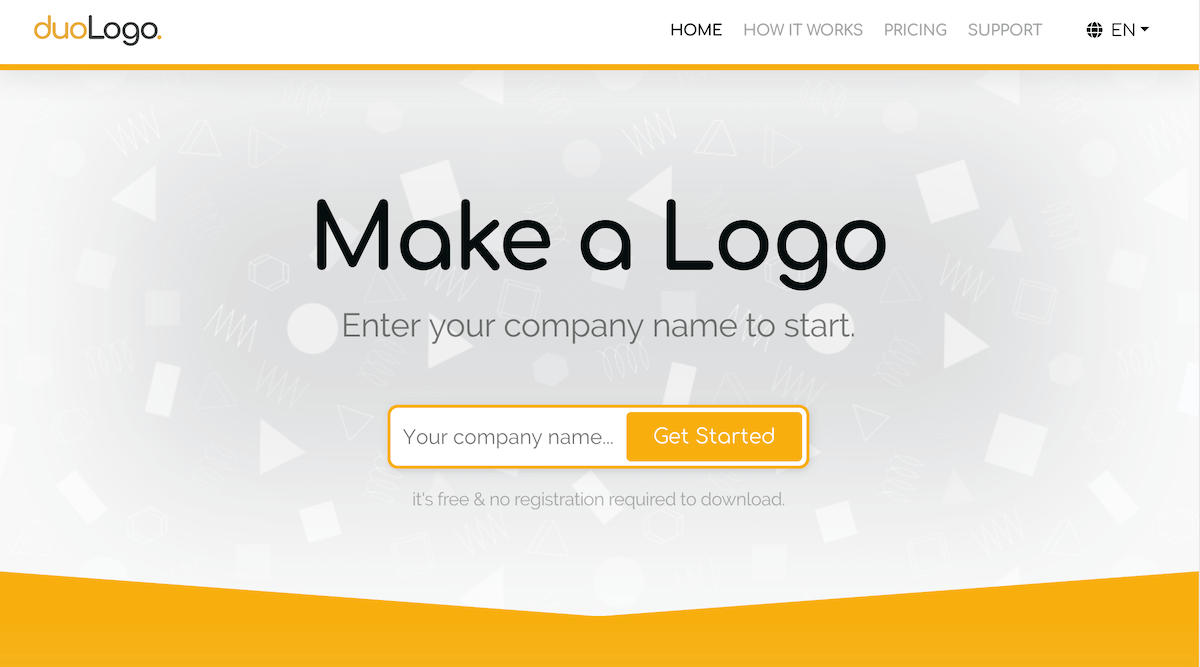
Enter the Company name
Go to the main page then enter the company name you want to show for the Logo in the text box.
Generate Logo suggestions
Logo Generator will automatically show you hundreds of suggestions for your new Logo.
Choose the Logo that suits you best. In the next step you can edit it as you like including changing colors, backgrounds, fonts and clipart from the generated sample.
If you want to create your own Logo and don't like the samples generated, simply select any Logo from the Generator and then go to the Logo Creator, there you can do everything by yourself!

In the Logo Creator you can easily and intuitively refine the character of your Logo:
- Drag or rotate items
- Change colors
- Add a gradient
- Choose fonts
- Choose clipart
- Add your own clipart or photo or other elements to help create your perfect logo.
Create a Logo in Logo Creator
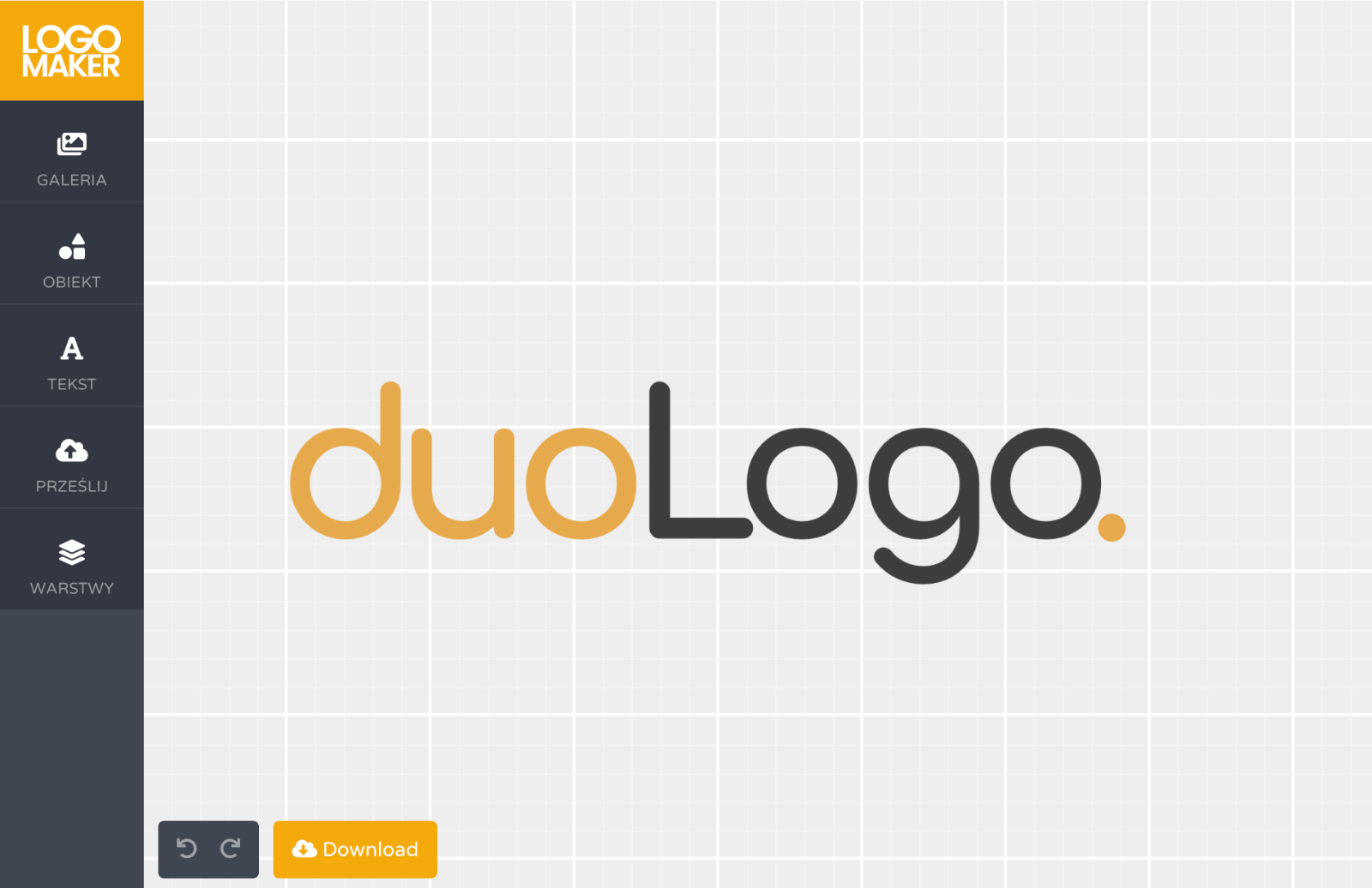
Download your Logo
Your Logo is ready! You can now download the Logo you created for free or in full HD. We describe everything clearly, detailing the differences between free and paid options.
After you choose your option, your Logo will arrive as an attachment to the e-mail address you provided.
If you have any questions, please don't hesitate to contact us!
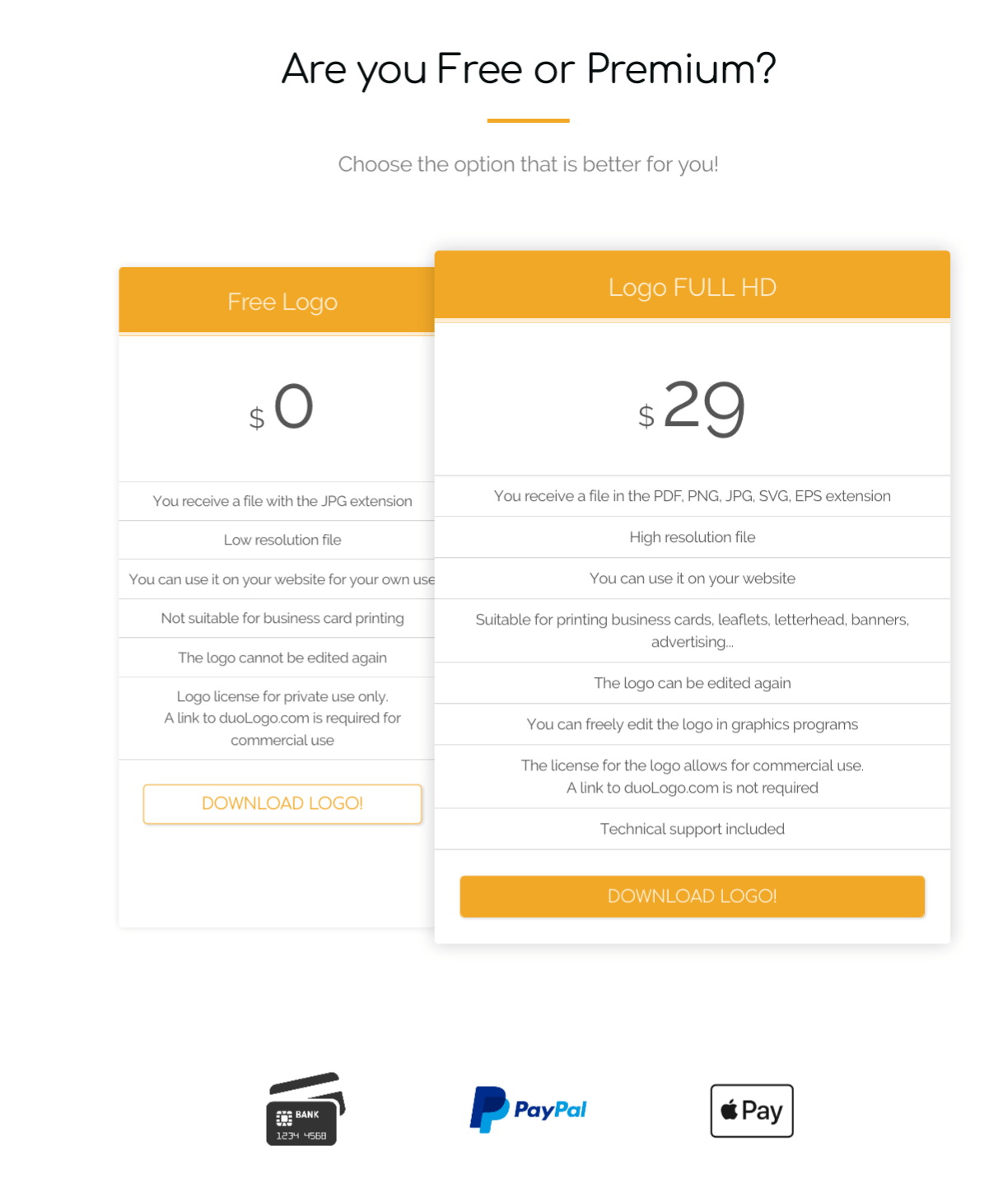
How do I download my new logo?
The Logo sale process is automatic. After you select your download choice, the Logo will be sent to the e-mail address you provide. In case it does not arrive in your inbox, please check your SPAM or junk folder ;-)
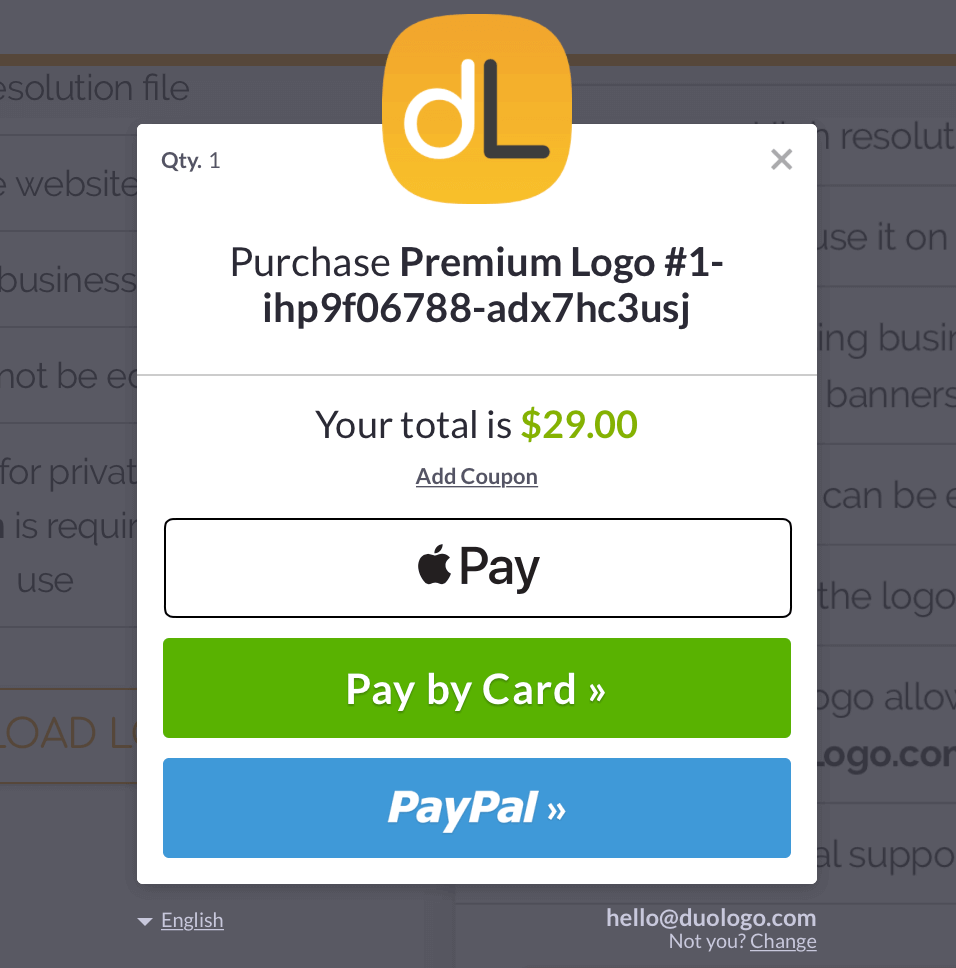
The ordering process is handled by our online partner & Merchant of Record Paddle.com, which also handles all queries and returns.
Don't worry, below we show you how it looks :-)
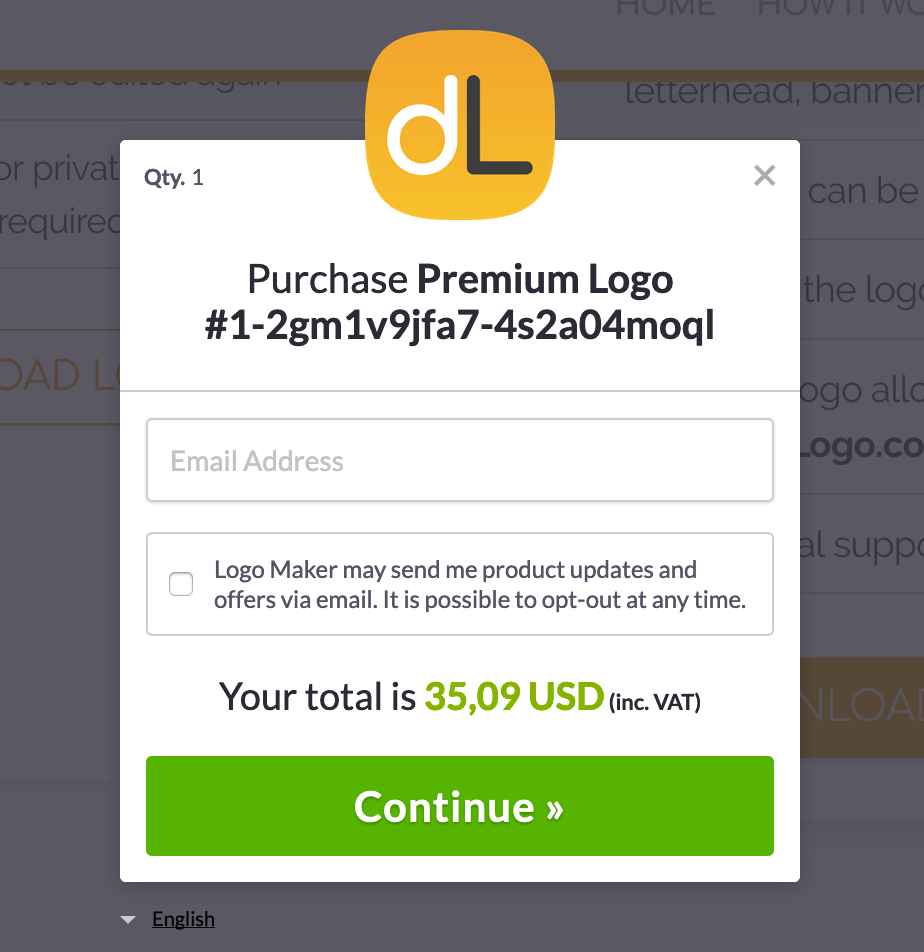
First step: to download the logo, enter the email
address that you want the logo delivered to.
Create your logo easily!
Enter the company name and see what Logo Generator has prepared for you: